Skip to content

Sheru Bhai AI Photo Generator

Your photo. A suited lion. One memorable portrait. Upload a photo, choose a scene and make the Sheru Bhai look your own.

Choose your scene

Meet your lion co-star

Upload your portrait. Your scene prompt is ready below, and you can edit it.

Download format
This editChecking allowance…
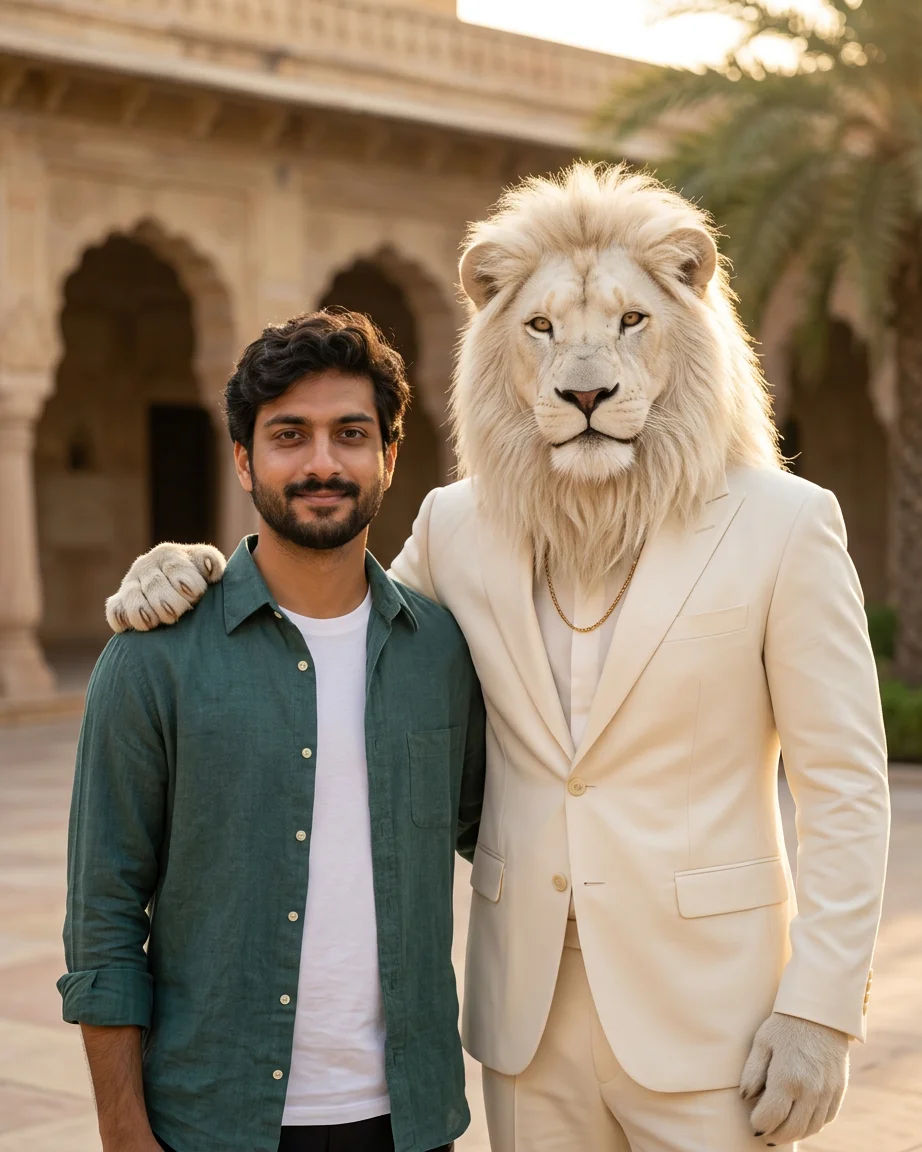
AI-generated man in a teal shirt beside a white lion businessman in a palace courtyard
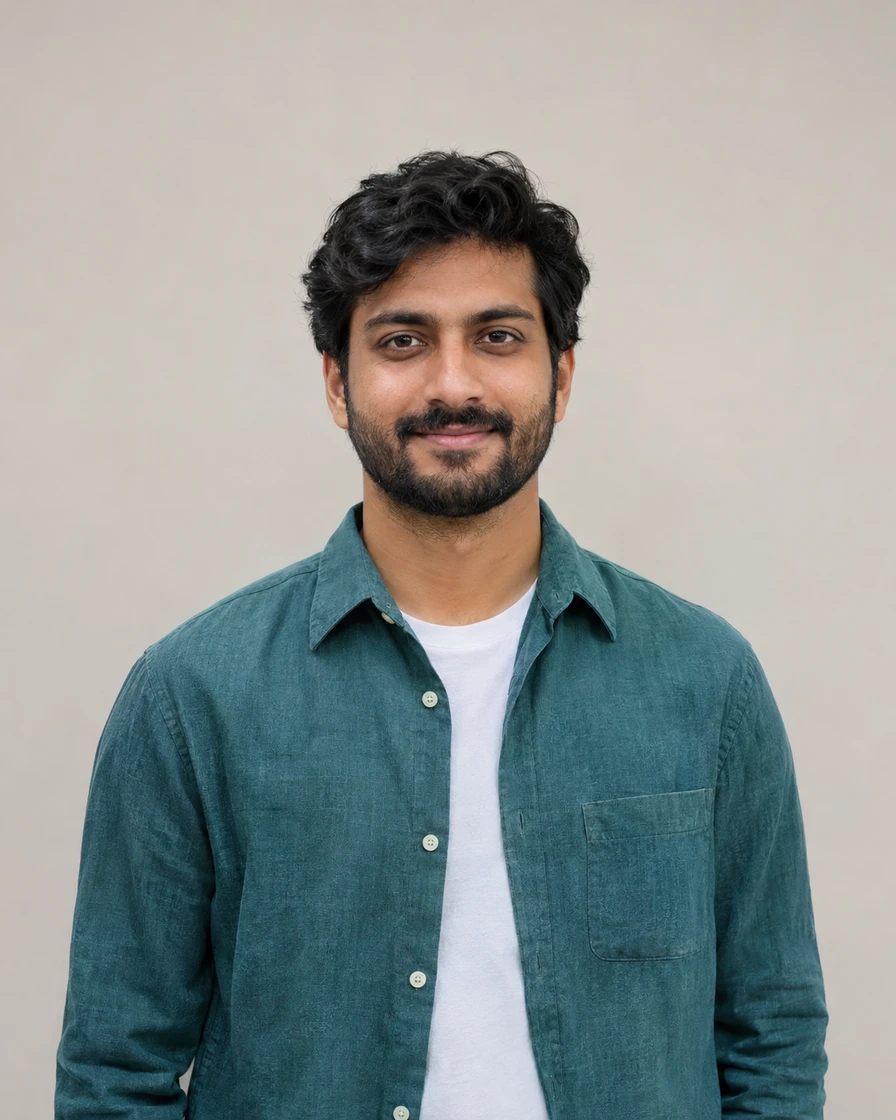
AI-generated reference portrait made for this pageOriginal

Warm sandstone, an ivory suit and a confident two-person portrait.

What is a Sheru Bhai AI photo?

Sheru Bhai is a fictional AI lion-businessman character seen in social-media edits, often wearing a suit and gold chain in a luxury setting. A Sheru Bhai AI photo places you beside this lion character; it does not need to turn your face into a lion. Enpix uses your reference photo and a written prompt to make the edit. This is an independent tool, not an official character app.

Trend background: Hindustan describes the lion-photo trend; AI Finderz covers prompt ideas and character variations. There is no single consistent look across these edits.

Three scenes. Make one yours.

These examples were made with Nano Banana 2 from AI-generated portraits. Choose a scene and try it with your own photo. Results will vary.

AI-generated man in a teal shirt beside a white lion businessman in a palace courtyard

Palace portrait

Warm sandstone, an ivory suit and a confident two-person portrait.

Read the full prompt

Use the uploaded photo as the reference for the human subject. Preserve the person’s face, skin tone, hairstyle, expression and clothing as closely as possible. Keep the person fully human: do not replace their head with a lion head. Add a separate fictional anthropomorphic white lion businessman, with a realistic white mane, a tailored ivory suit and a subtle gold chain. Show exactly two subjects, both looking toward the camera, with natural proportions and consistent lighting. Place them side by side in an elegant sandstone palace courtyard at golden hour. The lion stands slightly taller and gently rests one anatomically coherent lion paw on the person’s far shoulder, without covering their face. Waist-up portrait, realistic fur and fabric, soft background detail. No extra people, duplicate limbs, text or watermarks.
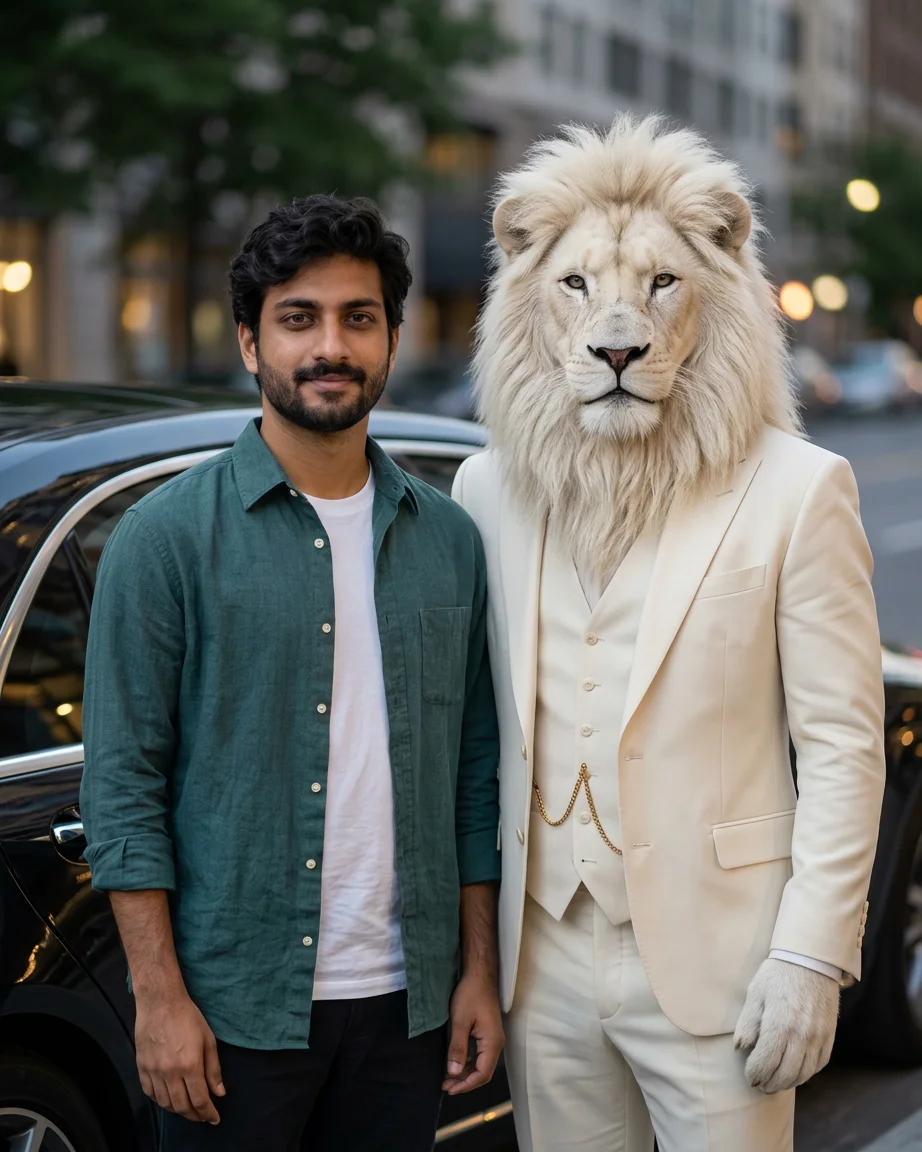
AI-generated man and white lion in an ivory suit beside a black car at dusk

Luxury car arrival

A city arrival with a black car and a relaxed, side-by-side pose.

Read the full prompt

Use the uploaded photo as the reference for the human subject. Preserve the person’s face, skin tone, hairstyle, expression and clothing as closely as possible. Keep the person fully human: do not replace their head with a lion head. Add a separate fictional anthropomorphic white lion businessman, with a realistic white mane, a tailored ivory suit and a subtle gold chain. Show exactly two subjects, both looking toward the camera, with natural proportions and consistent lighting. Place them standing side by side next to a parked black luxury sedan on a calm city street at dusk. Keep both faces clearly visible and their arms relaxed, with no overlapping hands. Medium portrait, soft city lights, realistic reflections, natural skin texture and detailed white fur. No car logos, extra people, text or watermarks.

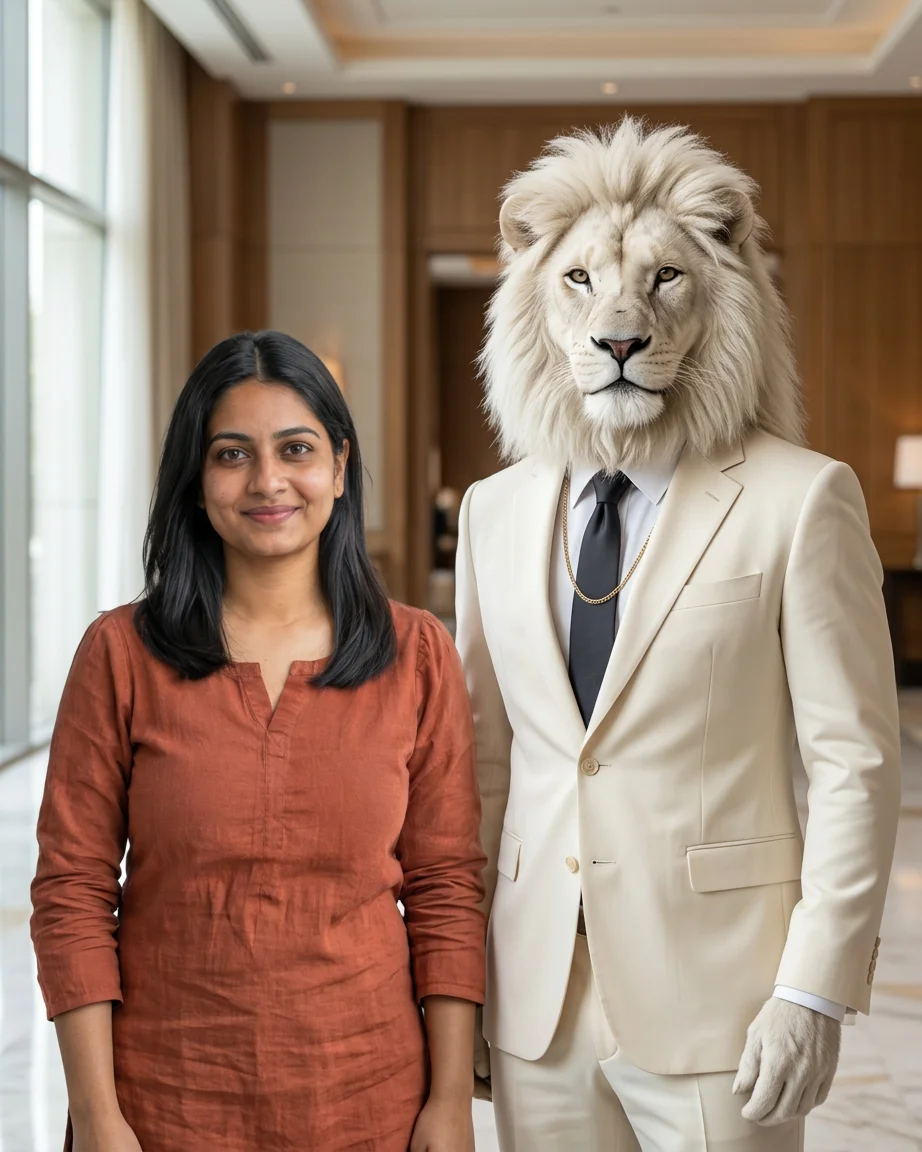
AI-generated woman beside a white lion businessman in a softly lit hotel lobby

Hotel lobby moment

Soft window light and a quiet marble lobby for a more understated edit.

Read the full prompt

Use the uploaded photo as the reference for the human subject. Preserve the person’s face, skin tone, hairstyle, expression and clothing as closely as possible. Keep the person fully human: do not replace their head with a lion head. Add a separate fictional anthropomorphic white lion businessman, with a realistic white mane, a tailored ivory suit and a subtle gold chain. Show exactly two subjects, both looking toward the camera, with natural proportions and consistent lighting. Place them standing together in a refined hotel lobby with pale marble and warm wood details. Give each subject their own space, shoulders side by side without touching, hands outside the frame. Waist-up portrait, soft window light on both faces, realistic photography, restrained background. No extra people, fused bodies, text or watermarks.

How to make your Sheru Bhai photo

  1. 01

    Upload a clear portrait

    Choose a well-lit, front-facing photo with only you in it. JPG, PNG and WebP are supported, up to 20 MB. Use an image you have permission to edit.

  2. 02

    Pick a scene and check the cost

    Choose a palace, car or hotel prompt and adjust it if needed. Select a model, resolution and export format, then review the displayed credit cost before generating.

  3. 03

    Review and download

    Compare the face, clothing, hands and lion paws with your reference. Download when satisfied. If bodies merge or paws look wrong, simplify the pose and try again; another generation may use more credits.

Keep you looking like you

Choose a front-facing portrait without obstructions. The prompt keeps the human subject separate from the lion. If facial details drift, simplify the scene and check that the reference face is clear.

Simple poses work better

A paw on the shoulder adds interaction but can introduce limb errors. The hotel prompt gives each subject space. Check shoulders, paws, collars and shadows after generating, not just the overall mood.

Before you generate

Each generation uses the current model and resolution pricing; eligible free use is shown in the editor. Photos are uploaded for AI processing. These portraits are fictional creations: disclose that they are AI-generated when sharing.

Sheru Bhai AI photo questions