Mild subject movement
Reduce the distraction of a moving face, hand, pet, or child when the features remain recognizable.
Strong directional streaks or doubled features may not resolve naturally.
Reduce distracting blur without pretending every lost detail can be recovered.
Upload a photo with mild motion blur, camera shake, or soft focus. Enpix estimates a clearer version while preserving the subject and composition, then gives you a direct comparison before download.
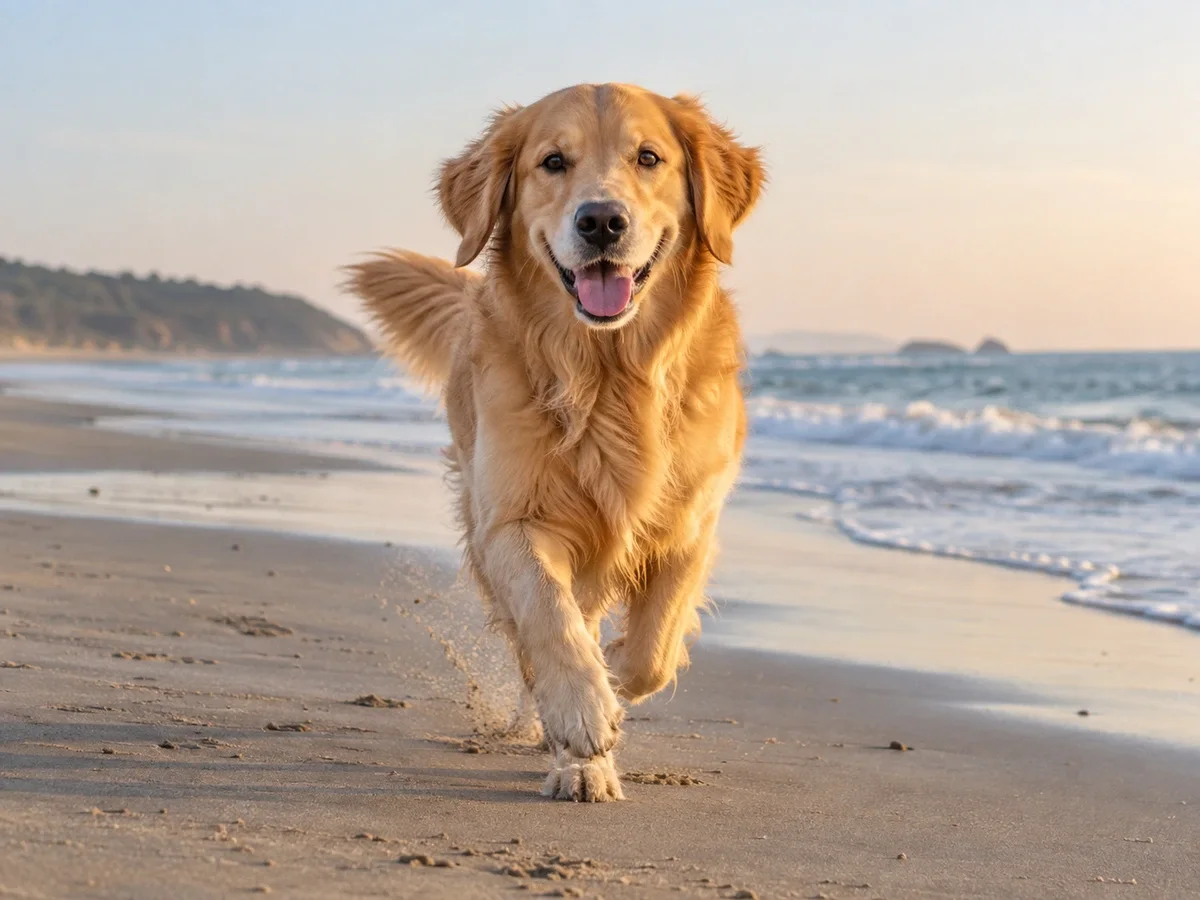
 Before
Illustrative mild-blur comparison from one photo; live AI results depend on the source.
Loading available models…
Two daily free edits are shared across all Enpix tools. 0/2 remain today.
Slight blur with recognizable structure is the best fit. The less information visible in the source, the more the model must estimate rather than recover.
Reduce the distraction of a moving face, hand, pet, or child when the features remain recognizable.
Strong directional streaks or doubled features may not resolve naturally.
Improve a photo affected by small camera movement, especially when edges are soft across most of the frame.
Inspect high-contrast edges for halos and duplicated contours.
Refine a portrait, product, or scene that is slightly out of focus but still contains visible facial and object structure.
A completely missed focus plane cannot be recreated as ground truth.
Make a social or messaging copy easier to view when blur is combined with modest compression.
Compression blocks and ringing can become more visible after processing.
Start with the least-compressed source, process once, and judge recognizable details against the original.
Choose one JPG, PNG, or WebP file up to 20 MB. The original camera file usually contains more useful structure than a screenshot or downloaded social-media copy.
Use one of the two daily free edits shared across Enpix tools. The model reduces visible blur and refines plausible edges without needing a prompt.
Compare faces, eyes, teeth, hands, text, logos, and repeating patterns. Download only after checking that the clearer result still matches the source.
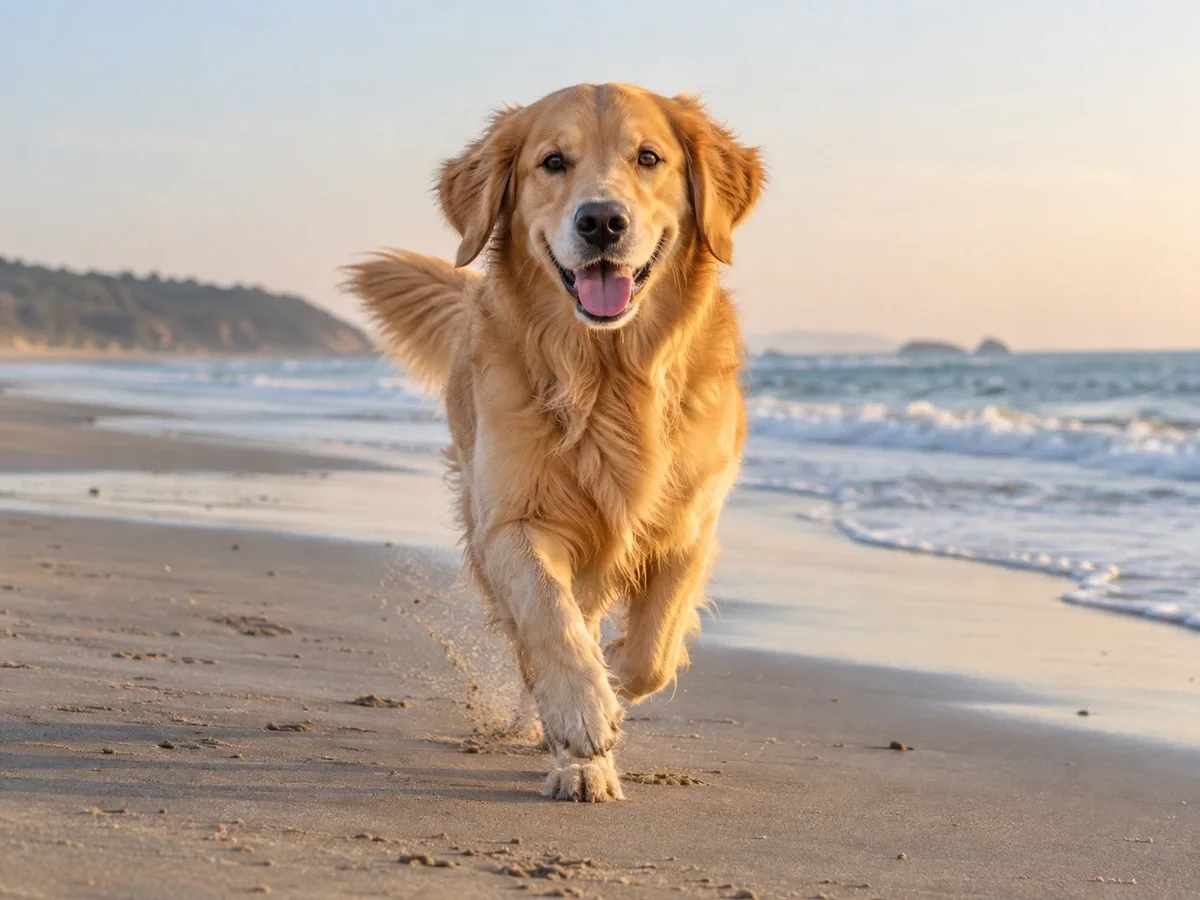
Deblurring tries to reduce the visual spread caused by movement or missed focus. Sharpening mainly increases edge contrast. Both can make artifacts more visible when the source is severely blurred or compressed.
AI may create plausible facial texture or edges where the source is ambiguous. The result should reduce distraction without changing identity, text, or the intended depth of field.
Do not use an AI-unblurred result as proof of identity, exact text, or forensic detail that was unreadable in the source.
Your image is stored privately for processing and sent to our image-processing provider through KIE. Blur reduction does not happen entirely on your device.
Process one image, compare recognizable details at full size, and keep the source as your reference.
Unblur an image