Family portraits
Add restrained color to faces, clothing, and familiar surroundings while preserving the people and composition in the source.
Family knowledge may help you identify clothing, uniforms, or eye colors the model cannot know.
Add plausible color while keeping the original photo as your reference.
Upload a black-and-white or sepia photo. Enpix estimates restrained colors for people, clothing, objects, and surroundings, then lets you compare the result with the original before downloading.
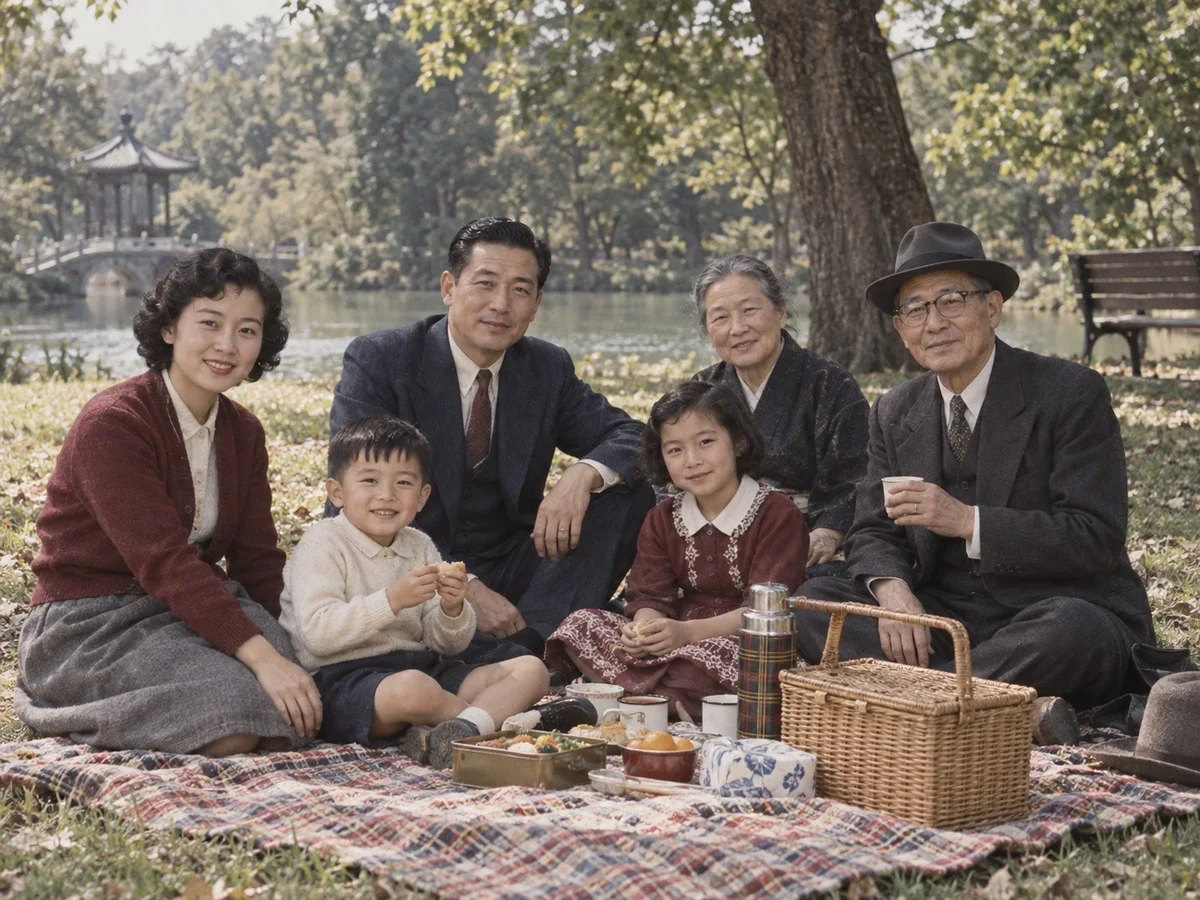
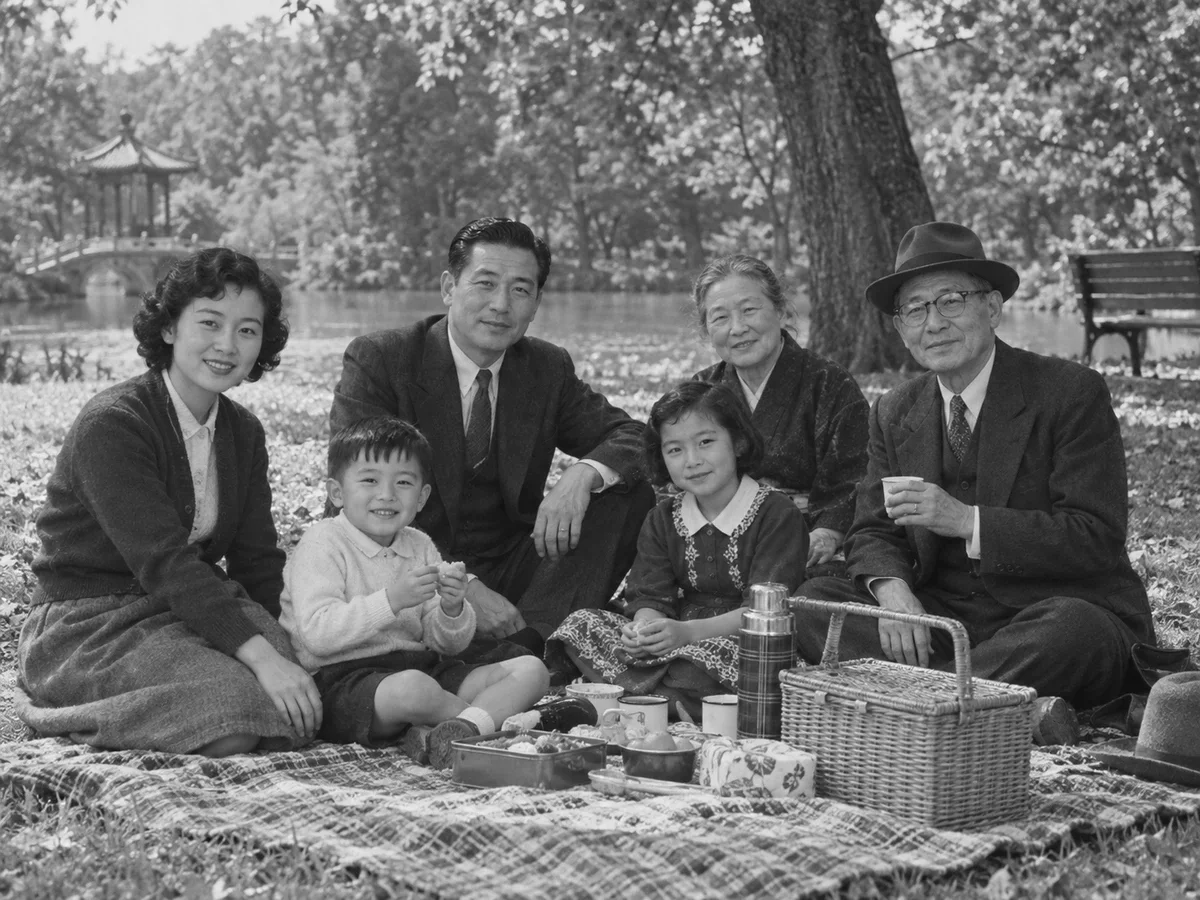 Before
Illustrative grayscale-to-color reference from one photo; live AI colorization may choose different colors.
Loading available models…
Two daily free edits are shared across all Enpix tools. 0/2 remain today.
Colorization can make an old image easier to connect with, but the source no longer contains the original color information. Treat the output as a plausible interpretation.
Add restrained color to faces, clothing, and familiar surroundings while preserving the people and composition in the source.
Family knowledge may help you identify clothing, uniforms, or eye colors the model cannot know.
Create a viewing copy of a street, building, vehicle, or event with plausible color relationships.
Use dated references when historical accuracy matters; AI color alone is not evidence.
Give a warm or monochrome scan a fuller color treatment when the visible structure is still readable.
Repair major stains and missing areas before colorization when damage obscures the subject.
Prepare a color version for a family album, memorial, or personal project while retaining the original scan alongside it.
Label recreated color when viewers might mistake it for an original color photograph.
Upload the best scan, let the model estimate color, and check every recognizable area.
Upload one JPG, PNG, or WebP image up to 20 MB. Use an uncropped, high-quality scan when available and keep the original file unchanged.
Use one of the two daily free edits shared across Enpix tools. The model assigns plausible colors automatically; no prompt is required.
Check skin, lips, hair, clothing, sky, vegetation, and repeated objects. Save the colorized copy separately so the black-and-white original remains available.
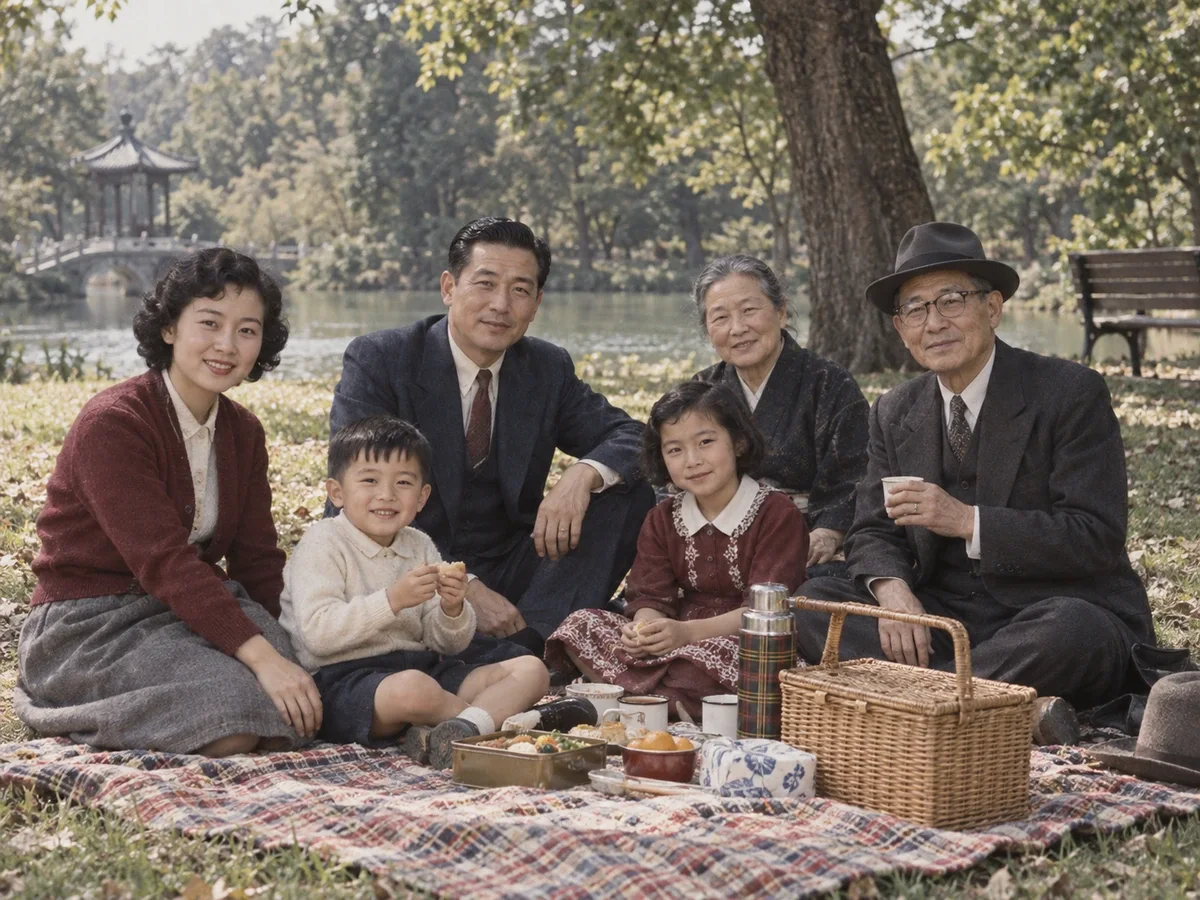
When color information is absent, the model relies on visual patterns and learned associations. Grass may become green and sky blue, but a shirt, wall, or vehicle may have many equally plausible original colors.
The model can create a coherent, natural-looking result, but it cannot retrieve color data that no longer exists in the image. Keep the original and record known facts separately.
For archives, research, journalism, and family records, identify the image as AI-colorized and retain the unaltered scan.
Your photo is stored privately for processing and sent to our image-processing provider through KIE. Colorization does not happen entirely on your device.
Colorize a black-and-white image, compare every recognizable area, and keep the original beside the new copy.
Colorize a photo